
Advanced configuration topics
Global status script
An icon in the top banner can be animated using a script. This script can be defined in Global configuration, using the parameter GlobalStatusFile:

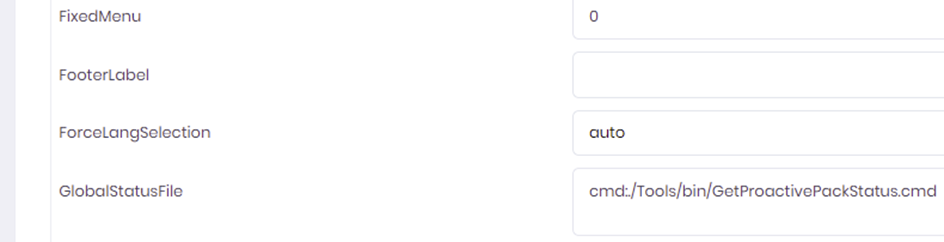
This script must write the following to the standard output :
<unique id>,<severity>,<message>
1. The unique id should uniquely identify the nature of the message.
2. The severity must be either OK,INFO, WARNING or CRITICAL
3. The message is free format on a single line.
The following script can be used as a sample
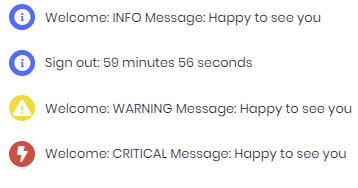
Using this script
Will give this output:

Custom message catalogs
You can create custom message catalogs under $PRODUCT_HOME/config/custom/locale
These message catalogs can be used to provide labels for custom event slots, or override existing labels.
You can create message catalog files named :
- messages.all – covers all languages
- messages.<language> - covers a specific language
E.G. to set a label of a custom event slot, use entries of the type :
ESlot_<slotname>=<slot label>